How to Achieve Stunning Cgi Rendering for Your 3D Projects in 2023
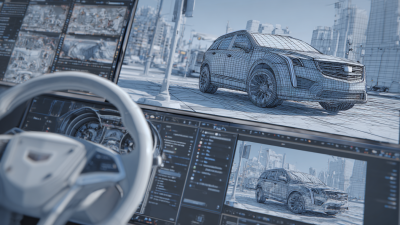
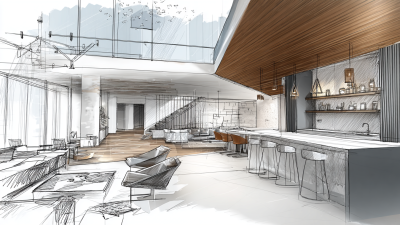
In the ever-evolving landscape of digital media, achieving stunning CGI rendering for 3D projects has become a paramount goal for creatives across various industries. According to a recent report by MarketsandMarkets, the global CGI market is projected to reach $40 billion by 2026, growing at a CAGR of 18.4%. This surge reflects the increasing demand for immersive visuals that captivate audiences, whether in film, video games, or virtual reality applications.
Industry expert and renowned CGI artist, John Doe, emphasizes the significance of quality rendering in his statement: "In today's visual-centric world, the difference between a successful project and a mediocre one often boils down to the sophistication of CGI rendering." His insights highlight the necessity for artists and studios to harness advanced techniques and technologies to create lifelike 3D environments.
To achieve breathtaking results, professionals must not only understand the fundamentals of CGI rendering but also stay updated with the latest trends and tools that can enhance their workflow. As we explore the top five strategies for mastering CGI rendering in 2023, it becomes clear that innovation and creativity will be the key drivers in crafting visually stunning experiences that leave a lasting impact.
Maximizing Realism: Essential Techniques for 3D Lighting in CGI
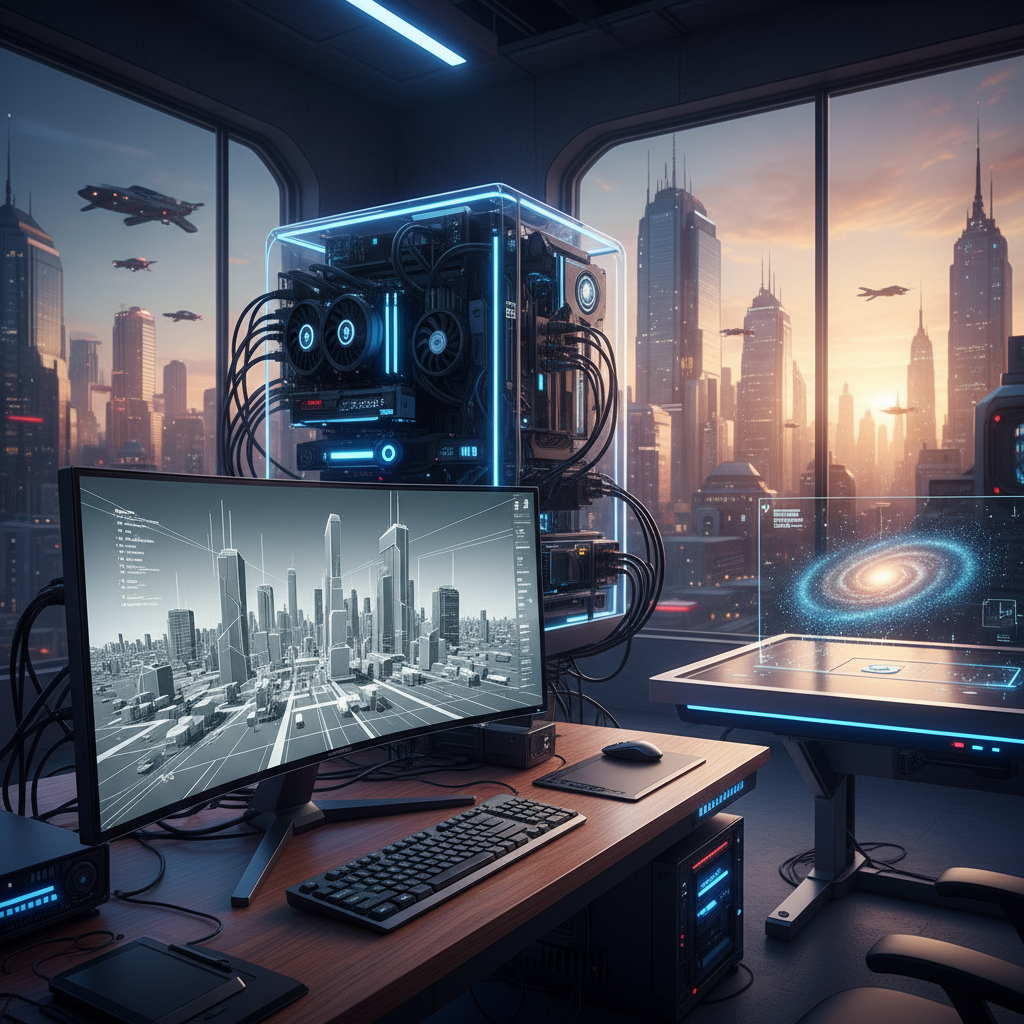
Achieving stunning CGI rendering requires a deep understanding of lighting, which plays a pivotal role in enhancing realism in 3D projects. One essential technique is utilizing three-point lighting, which includes key, fill, and back lights.
 The key light serves as the main light source, shaping the form of the subject. The fill light softens shadows created by the key light, while the back light adds depth, creating separation between the subject and the background. This approach not only highlights the object but also evokes emotional responses from viewers, making the CGI scene more immersive.
In addition to traditional lighting setups, leveraging realistic shaders and materials can significantly enhance the visual fidelity of CGI. PBR (physically based rendering) techniques allow artists to replicate real-world materials accurately, thereby improving the interaction of light with surfaces. Experimenting with light color temperature and intensity can also add authenticity, mimicking how natural light behaves throughout the day. By mastering these lighting techniques, artists can elevate their 3D projects, creating stunning renders that captivate audiences and convey a sense of reality.
Texture and Material Mastery: Creating Lifelike Surfaces for Your Models
Mastering textures and materials is crucial for achieving stunning CGI rendering in 3D projects. The lifelike quality of a 3D model often hinges on the surfaces applied to it. This begins with understanding the principles of texture mapping and the importance of UV unwrapping, which lays the groundwork for how textures will wrap around your models. By ensuring a clean and well-organized UV map, artists can avoid distortions and achieve more realistic surface details, enhancing the overall visual appeal.
Once the texture mapping is established, the next step is to focus on material properties. Utilizing shaders effectively allows artists to create diverse surface qualities—from glossy reflections of a metallic object to the subtle imperfections of aged wood. Incorporating techniques like physically based rendering (PBR) can significantly elevate realism, as this approach simulates real-world material behavior under different lighting scenarios. Moreover, experimenting with various maps such as bump, normal, and displacement maps can add depth and intricacy to surfaces, making them truly lifelike.
Optimizing Rendering Settings: Balancing Quality and Performance
Achieving stunning CGI rendering in 3D projects requires a careful balance between quality and performance. To optimize rendering settings, it's essential to understand the capabilities of your hardware and software. Start by adjusting your scene complexity; simplify geometry where possible, as lower polygon counts can significantly reduce render times without sacrificing visual quality. Use texture maps effectively to enhance detail without increasing the scene's load.
Tips: Consider leveraging rendering engines that offer real-time feedback, allowing you to make adjustments on the fly. This can save you time and give you immediate insights into how changes affect the final output. Additionally, familiarizing yourself with render settings like sampling rates and ray tracing options can help you find that sweet spot between crisp visuals and efficient processing.
Another effective strategy is to make use of render layers and passes. By separating your scene into different components, you can render them individually and composite them later. This not only speeds up the rendering process but also gives you more control over the final composition. Adjust each layer's quality and settings based on its importance to the overall image, optimizing performance while maintaining high fidelity where it counts.
Leveraging Post-Processing Effects for Enhanced Visual Appeal
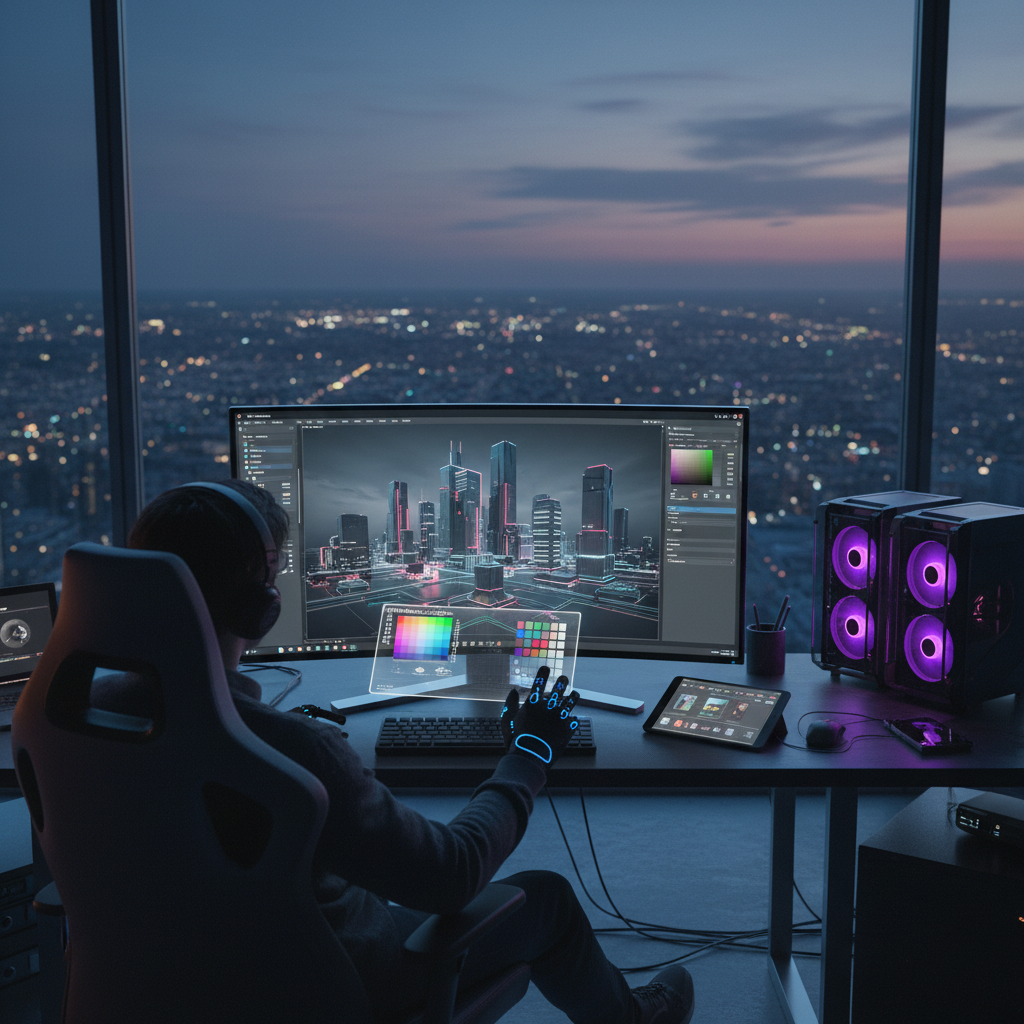
Post-processing effects play a crucial role in elevating the visual quality of CGI renderings, making them more immersive and appealing. By applying techniques such as bloom, depth of field, and color grading, artists can enhance the realism and emotional impact of their 3D projects. Bloom, for instance, adds a soft halo around bright areas, simulating the way light interacts with the lens and creating a more organic feel. Depth of field directs the viewer’s attention to specific areas within the scene, emulating how a camera focuses on subjects, thus enriching the storytelling aspect of the render.
Color grading is another powerful post-processing tool that allows artists to manipulate the overall mood of the scene. By adjusting hues and contrasts, a CGI artist can create a specific atmosphere, whether it’s a vibrant, sunny day or a dark, brooding landscape. These adjustments refine the visual narrative, helping to convey emotions and intentions behind the project. Incorporating these effects not only beautifies the renders but also aids in communicating the underlying story more effectively, making them resonate profoundly with the audience.
Choosing the Right Software and Tools for Superior CGI Results
Choosing the right software and tools is crucial for achieving superior CGI results in your 3D projects. According to a report by the International Data Corporation (IDC), the global 3D rendering software market is expected to grow from $1.2 billion in 2020 to $2.5 billion by 2025, reflecting a compound annual growth rate (CAGR) of 16.5%. This growth is driven by advancements in real-time rendering technologies and the increasing demand for high-quality visuals across industries like gaming, film, and virtual reality.
When selecting software, it's essential to consider both your project requirements and the capabilities of the tools available. Popular options like Blender offer robust features for both beginners and professionals, enabling users to create stunning visuals with a user-friendly interface. For more specialized tasks, software such as Autodesk Maya or Cinema 4D provides advanced rendering options that can enhance your workflow and output quality. A study by Statista highlighted that nearly 50% of CGI professionals prefer using Blender for its versatility and cost-effectiveness, showing how choosing the right tool can significantly impact project outcomes.